AppsCase studyExpense app
Shared spending, logged in three taps.
Product and brand design for an expense tracking app that makes a household’s shared money visible without anyone having to ask, designed and built by me in React Native.
- Role
- UX/UI, brand and development
- Timeline
- 3 weeks, 2026
- Built with
- Figma, HTML, React Native
- Platform
- Android, Play Store release coming
The challenge
Spending happens in a dozen small moments, one card here, cash there, a subscription nobody remembers starting. At the end of the month there is a number in the banking app and no explanation for it. In a shared household it is worse, because the explanation is split between two people and usually lives in a spreadsheet that one of them forgets to fill in.
The idea came from my own need for a simple way to replace the good old spreadsheet. The apps I looked at either did far more than I needed or were built around something else: Wallet locks its useful features behind a paywall, Spendee organises shared money into wallets rather than around a household, and YNAB is about planning where money should go before it is spent. So the goal was narrow on purpose: logging has to be fast enough that it isn’t a hassle, three taps from opening the app to a saved expense, so people do it on the spot instead of trying to remember later.
My role
Bănuț is my own product, so I did all of it: the competitor audit and the user research, the personas and flows, the brand, the hi-fi screens and component library in Figma, an interactive HTML prototype for testing, and the app itself in React Native.
Key decisions
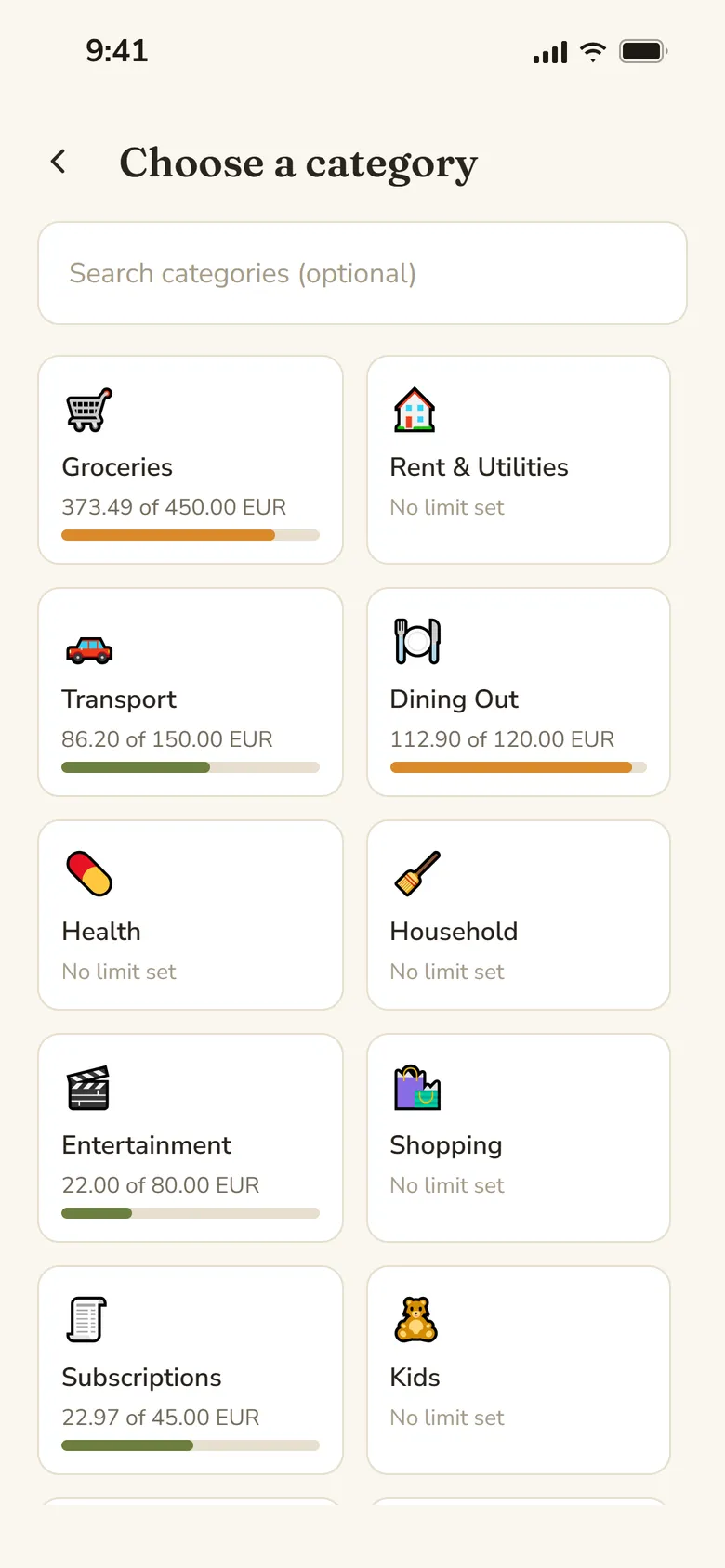
- Designed for the person who forgets. I wrote two personas: Amy, who wants the household’s spending picture, and Jake, who will only log if it takes a few seconds. Amy’s dashboard is only as good as Jake’s logging, so the main flow was built around him: open the app, Log Expense, pick one of fourteen categories, fill in the amount, save.
- A household, not a wallet. Everything sits under one household with one currency, which you create or join with a six-digit invite code. Nobody splits bills or settles up, because that was never the problem; the point is to see where the shared money went.
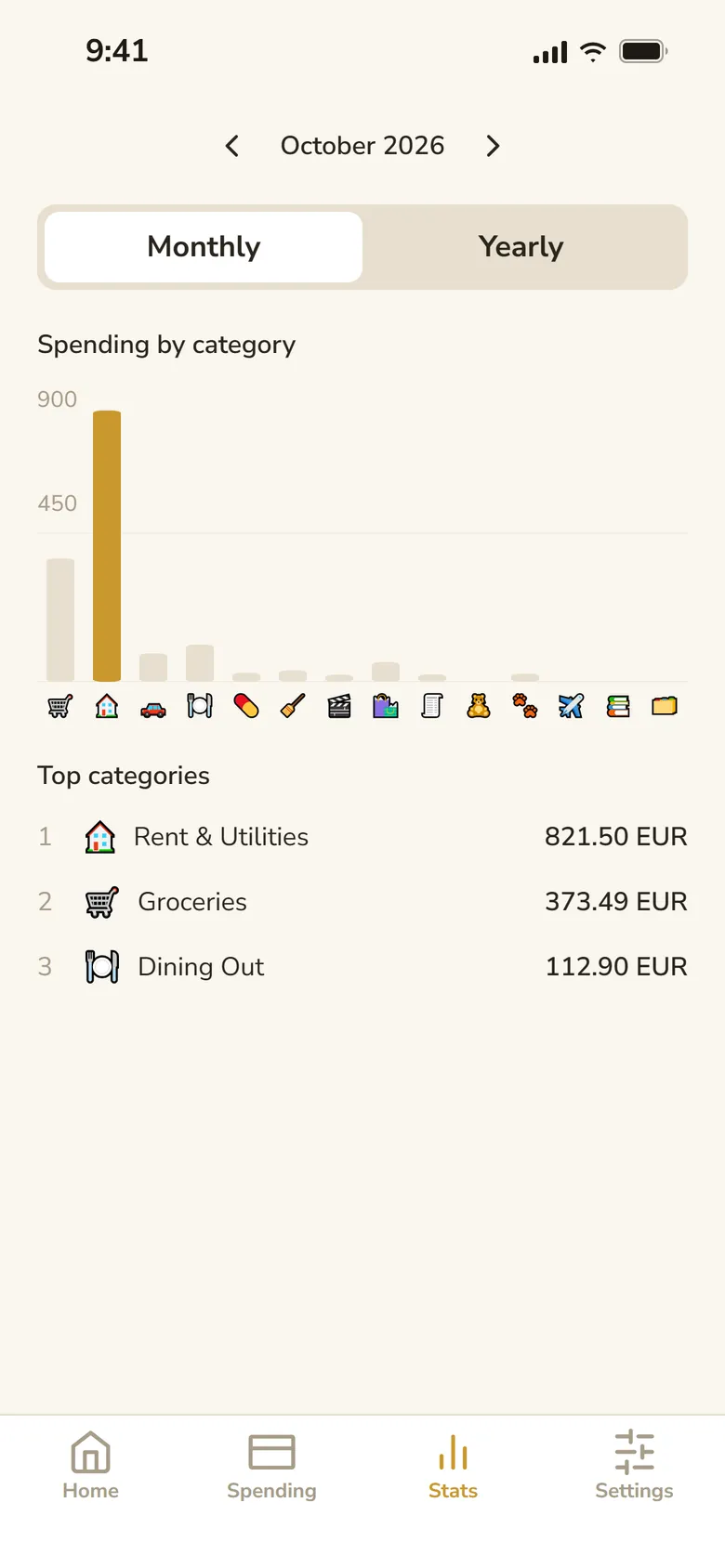
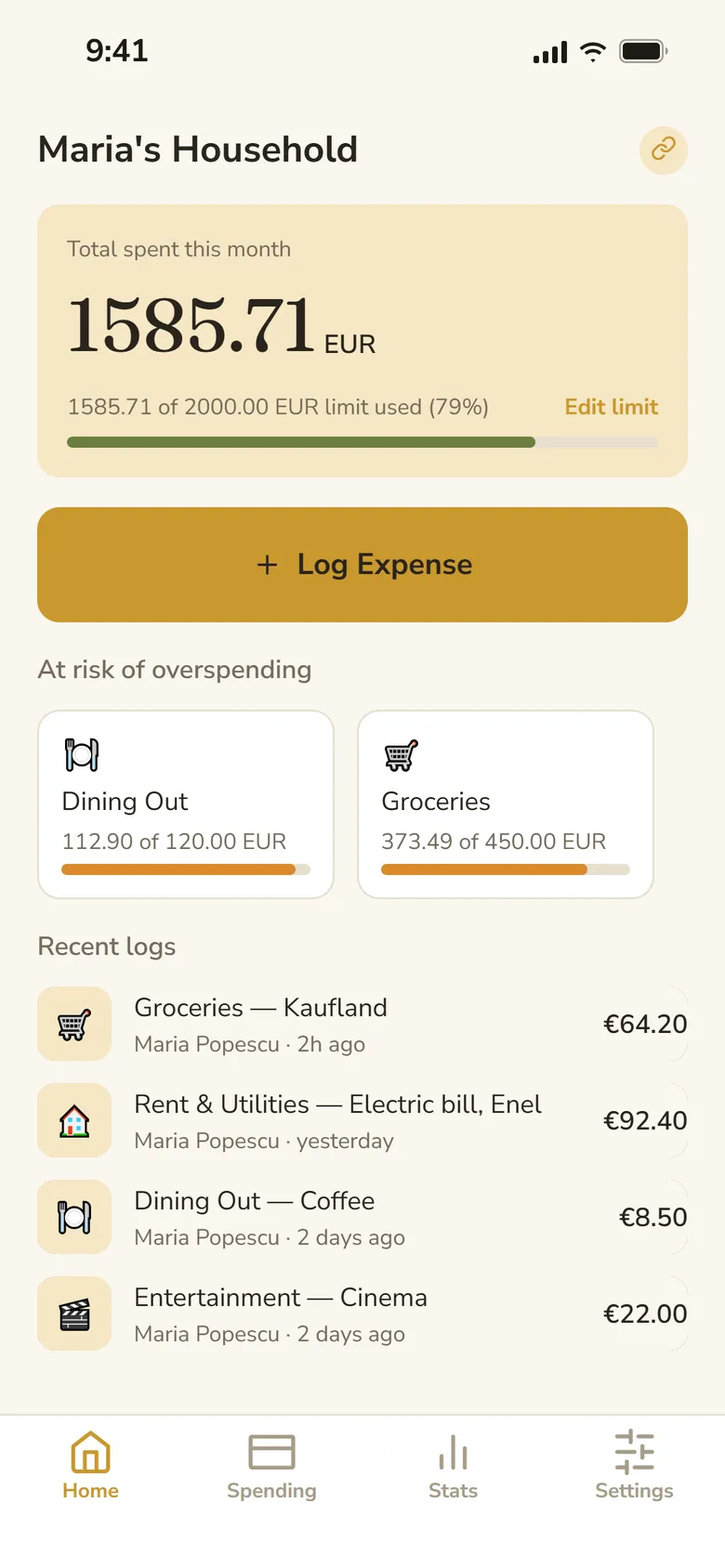
- Limits came from the interviews, not from me. The first version only logged. After talking to people I added spending limits per household and per category, and insights per month and per year, so the app tells you where you stand instead of only what you spent.
Try it: log an expense
What to try
- Log an expense: Log Expense, a category, the amount, Save.
- Open a log for its details, or Stats for the month by category.
- Log out in Settings to see sign-up and joining a household with an invite code.
Interactive prototype · HTML
Open in a new tabOutcome
I ran usability tests with people aged 22 to 54. The younger testers focused on where buttons were and where they expected actions to be, while the older testers gave very constructive feedback on what the app should do at all. Three changes came straight from those sessions: every category name now opens that category’s details, expenses can be logged in other currencies and are converted at live exchange rates into the household’s currency, and the home screen gained an “At risk of overspending” section for categories with a limit.
The app itself is built in React Native and the Play Store release is still to come, so there are no usage numbers to report yet.
What I’d do next
Designing around one specific use case made me realise how important it is to define what a product isn’t just as clearly as what it is. As I continue developing Bănuț, I plan to test it with people over a longer period of time: much of its value comes from spotting spending patterns, and real use over several weeks or months would show things a prototype test can’t.
Bănuț was one of my first projects, and I designed it while I was still finding my way around UX and UI. I have learned a lot since, so I would like to give the whole app a proper UX and UI revision: going back over the flows, the hierarchy of each screen and the design system with what I know now, rather than only polishing the screens that already exist.